
The app
UMSH for iPhone—how it works, what it does, and how to get into the beta.
The UMSH app is where you actually read and write messages. It pairs with a radio over Bluetooth and hands off everything that touches the air to that radio, which is what lets your phone stay in your pocket while the radio does the waiting and listening that a mesh requires.
What it does
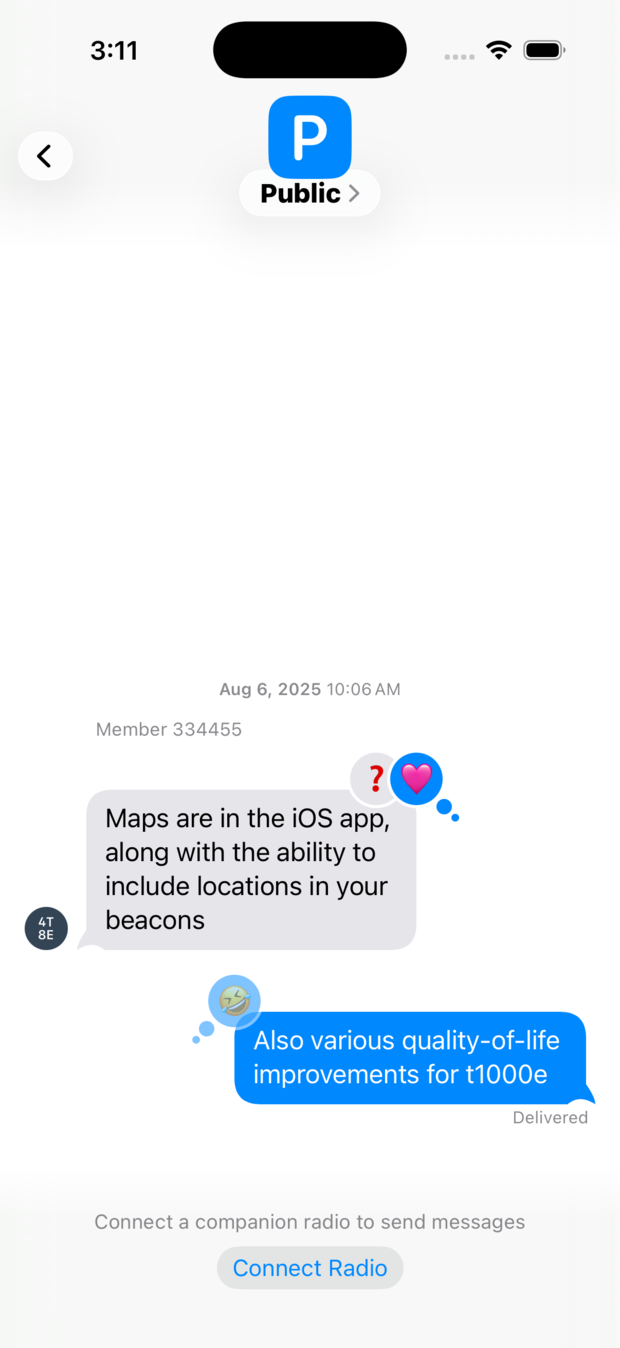
Conversations. One-to-one messages with people you have exchanged identities with, and group conversations on shared channels. A one-to-one message is encrypted and authenticated against that person’s own key, so a message claiming to be from a contact really is from them. A channel message is encrypted with the channel key, which means outsiders cannot read it or tamper with it, though for now one member could claim to be another; per-sender authentication for group chats is planned, and will be something you enable per channel. Reactions are supported, and delivery status tells you whether a message actually made it across the mesh rather than just leaving your phone.
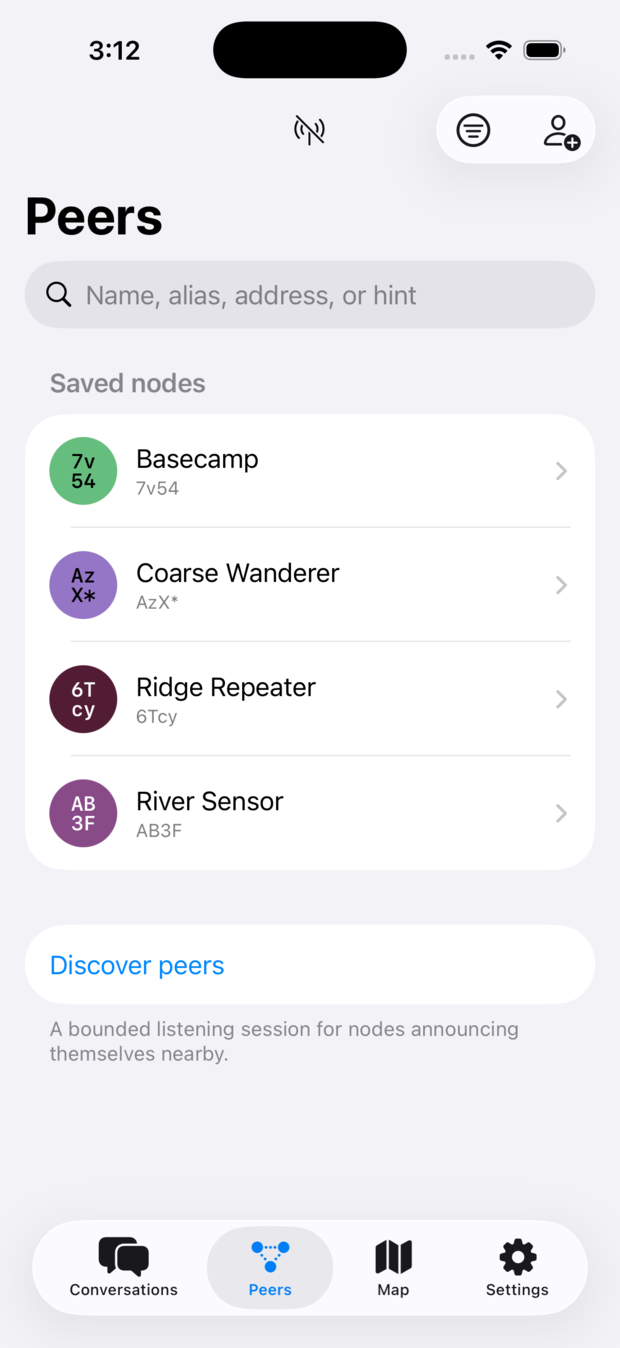
Contacts. Every contact is a public key. You add someone by scanning a QR
code or opening a umsh: link they sent you, and from that moment on your
messages to them are encrypted to that key alone. There is no directory and no
account, so there is nothing to look anyone up in—which is the point.
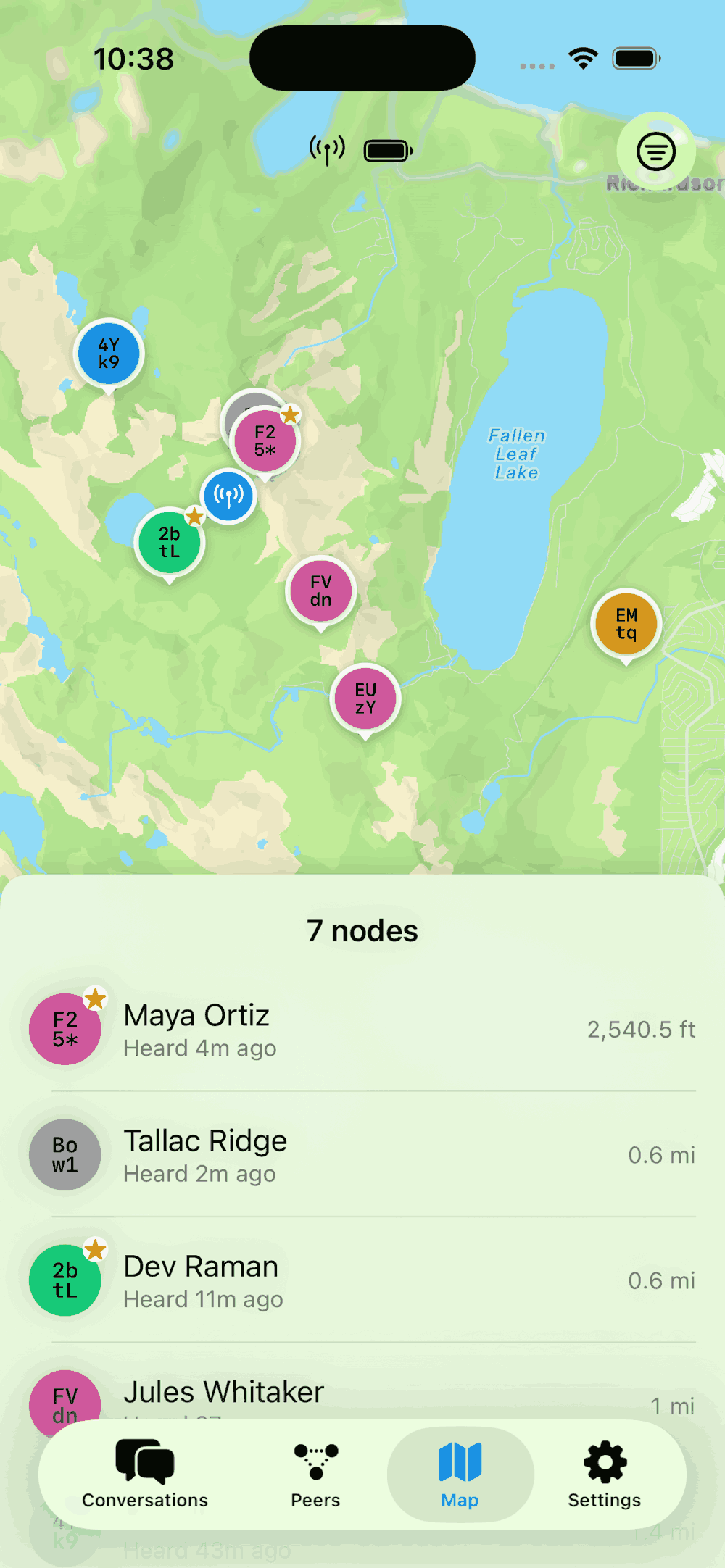
Your radio. The app configures the radio it is paired with: its name, its role, its channels, and how often it beacons. Battery, signal, and position are visible when the hardware provides them, and a map shows the nodes you have heard from.
Location, if you want it. A radio with a GNSS receiver can share its position on a channel, and the app can share the phone’s own location instead. Both are off unless you turn them on, and neither is ever attached to an identity you hand out.
Your identity lives on your phone, in the app. If you switch over to a different companion radio, you don’t need to backup your identity from the old radio and install it on the new radio in order to not start over from scratch.
Requirements
You need an iPhone running iOS 18 or later, and a radio to pair with. The app does not work on its own—it is a companion to hardware, not a replacement for it. See supported hardware for what to buy.
The app never needs an internet connection to do its job. Messages go over radio, not over the network.
Getting the beta
The public beta is open. Join it on TestFlight. The protocol it depends on is still moving, so expect breaking changes and expect to reflash your radio when they land.
Feedback is most welcome, and the project's GitHub page is the place for it.
Android
An Android app is planned. Work has not started on it.
The groundwork is in place: the protocol logic lives in a Rust core that the iOS app already talks to through a generated interface, and the same core is meant to serve an Android app when someone builds one.